Know your page is right, not just up
A website can answer perfectly and still show an error, an empty shop or a hacked page. Tell us the words that should be there and the words that never should.
Set up in under a minute
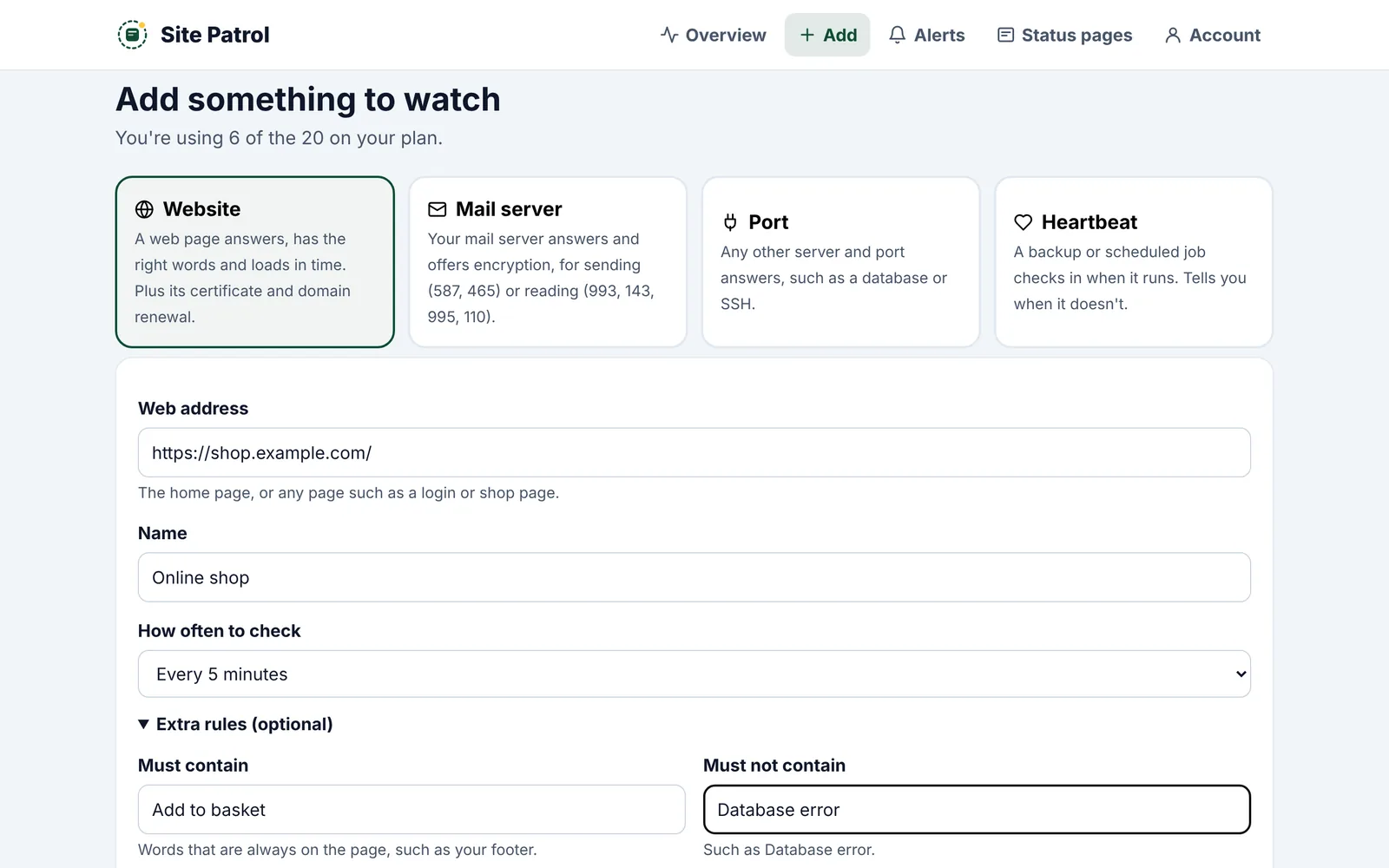
Add your website
Any page will do: your home page, shop, login or checkout.
Open Extra rules
Add words the page must contain, like your footer or "Add to basket". Add words it must never contain, like "Database error".
We read every visit
If the right words go missing or the wrong ones appear, we treat it as down and tell you exactly which words.
Good words to watch
- Must contain: your company name in the footer, "Add to basket" or your phone number
- Must not contain: "Database error", "Fatal error", "Error establishing a database connection" or "Maintenance mode"
- Not case sensitive, up to 100 characters each
- Combine with a time limit and an exact status code if you like
Good to know
Why would a working website need keyword checks?
Many problems still return a normal page: a WordPress database error, a blank theme, an expired hosting page or a hacked home page. Only checking the words catches them.
Are the words case sensitive?
No. "database error" matches "Database Error".
Can I watch more than one page?
Yes. Add each page separately, such as your home page and your checkout. Each counts as one of your 20 on Pro.
Is it on the free plan?
Yes. Words, status codes and time limits work on every plan.
Works well with
Put Site Patrol on watch
Free for one website, live in under 60 seconds. We start watching the moment you add your URL.
Start free