A status page your customers can check
When something's wrong, customers want to know you're on it. A status page answers before they ask, and saves you a pile of emails.
Set up in under a minute
Choose what to show
Pick which of your websites and services appear, and give each a friendly name. Server addresses are never shown.
Share the link
Your page lives at sitepatrol.app/status/your-name. Link to it from your website or help pages.
Post notices
Add a notice for a problem or planned work, then mark it fixed when it's done.
What's on the page
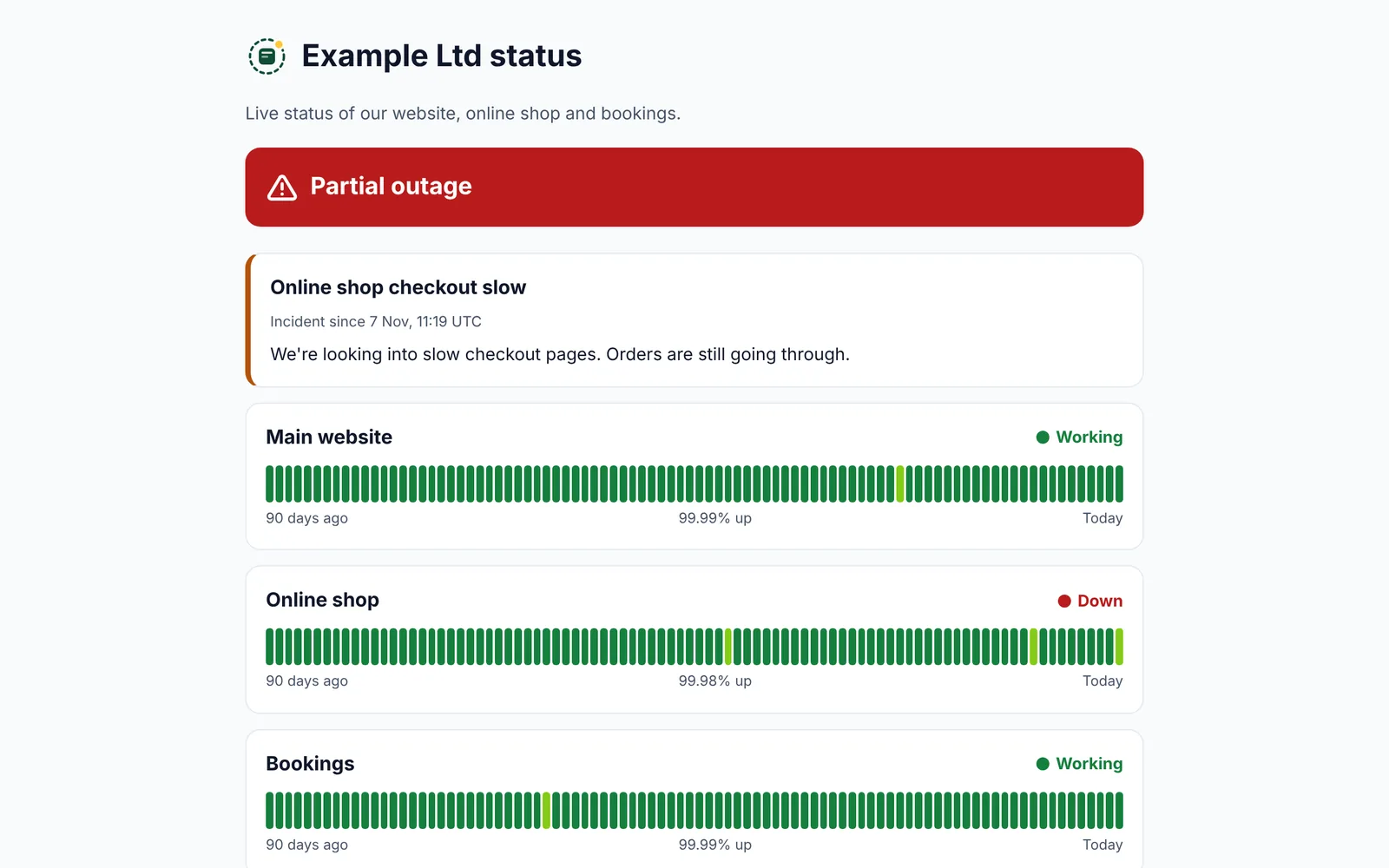
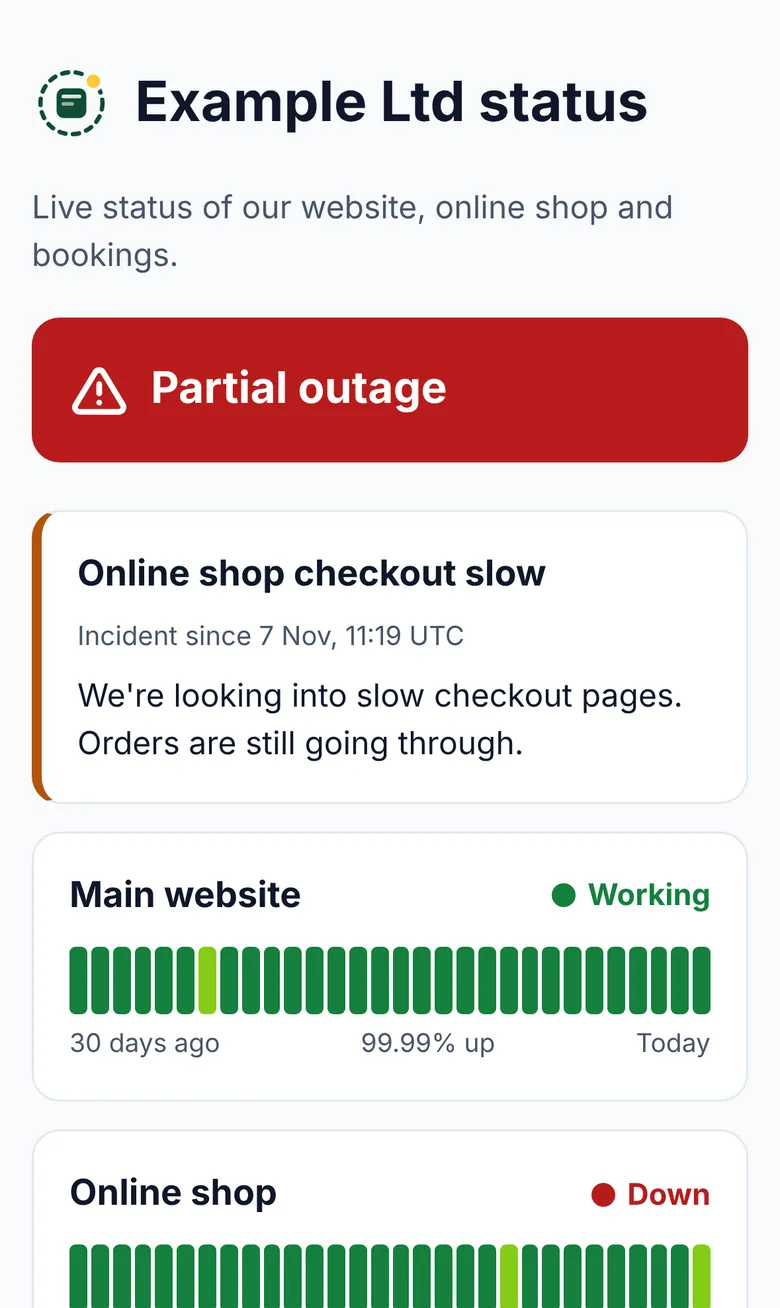
- One clear line at the top: all working, some problems or maintenance
- 90 days of history for each service, a bar for each day
- Your notices, marked as an incident or maintenance
- Works on phones and computers, and updates by itself
Good to know
Is the status page included?
Yes, one status page comes with Pro. Agencies can have one for each client.
Can people see my server addresses?
No. Only the names you choose are shown.
Can I post updates during an outage?
Yes. Post a notice with a title and a few words, choose incident or maintenance, and mark it resolved when you're done.
Works well with
Uptime monitoring
Every minute on Pro, with alerts only after two failed checks in a row.
Find out moreWebsite down alerts
On your phone, computer, email, Slack, Teams, Google Chat, Discord or a webhook.
Find out moreAPI and webhooks
Add and check sites from your own tools, and send alerts anywhere.
Find out morePut Site Patrol on watch
Free for one website, live in under 60 seconds. We start watching the moment you add your URL.
Start free