Mail server monitoring
Make sure your email keeps flowing
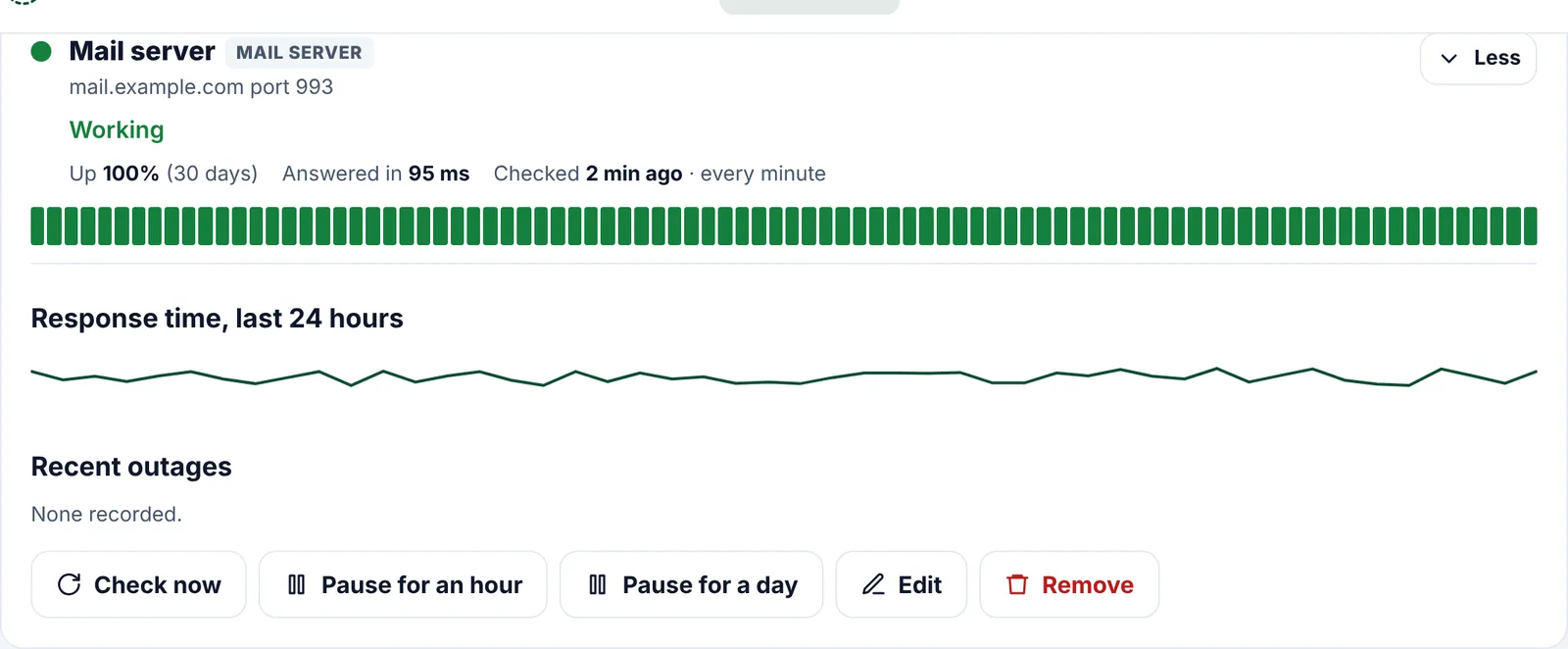
If your mail server stops answering, emails bounce and nobody tells you. We knock on its door every minute and check it answers properly.
How it works
Set up in under a minute
1
Add your mail server
Type its name, such as mail.example.com, and pick the port to check.
2
We say hello
We connect, wait for the server's greeting and check it offers encryption. We never sign in or send mail.
3
Alerts when it's quiet
If it stops answering or drops encryption, we tell you, just like a website.
Ports we check
- Sending: 587 (SMTP with STARTTLS) and 465 (SMTP over TLS)
- Reading: 993 (IMAP over TLS) and 143 (IMAP)
- Reading: 995 (POP3 over TLS) and 110 (POP3)
- Its security certificate too
Questions
Good to know
Can you check port 25?
No. Cloudflare, where our checks run, doesn't allow connections out on port 25. Check 587 or 465 instead, which use the same server.
Do you need my email password?
No. We only check the server answers and offers encryption. We never sign in.
Which plan is it on?
Pro. Each mail server port counts as one of your 20.
More features
Works well with
Put Site Patrol on watch
Free for one website, live in under 60 seconds. We start watching the moment you add your URL.
Start free