Help
Status pages
A public page that shows customers what's working. One status page comes with Pro.
Make the page
On the Status pages page tap New status page. Give it a title, such as Example Ltd status, and a short intro.
Choose what it shows
Tick the websites and services to include. Only their names are shown, never their addresses.
Share it
Copy the page's address, such as sitepatrol.app/status/example, and link to it from your website, help pages or emails.
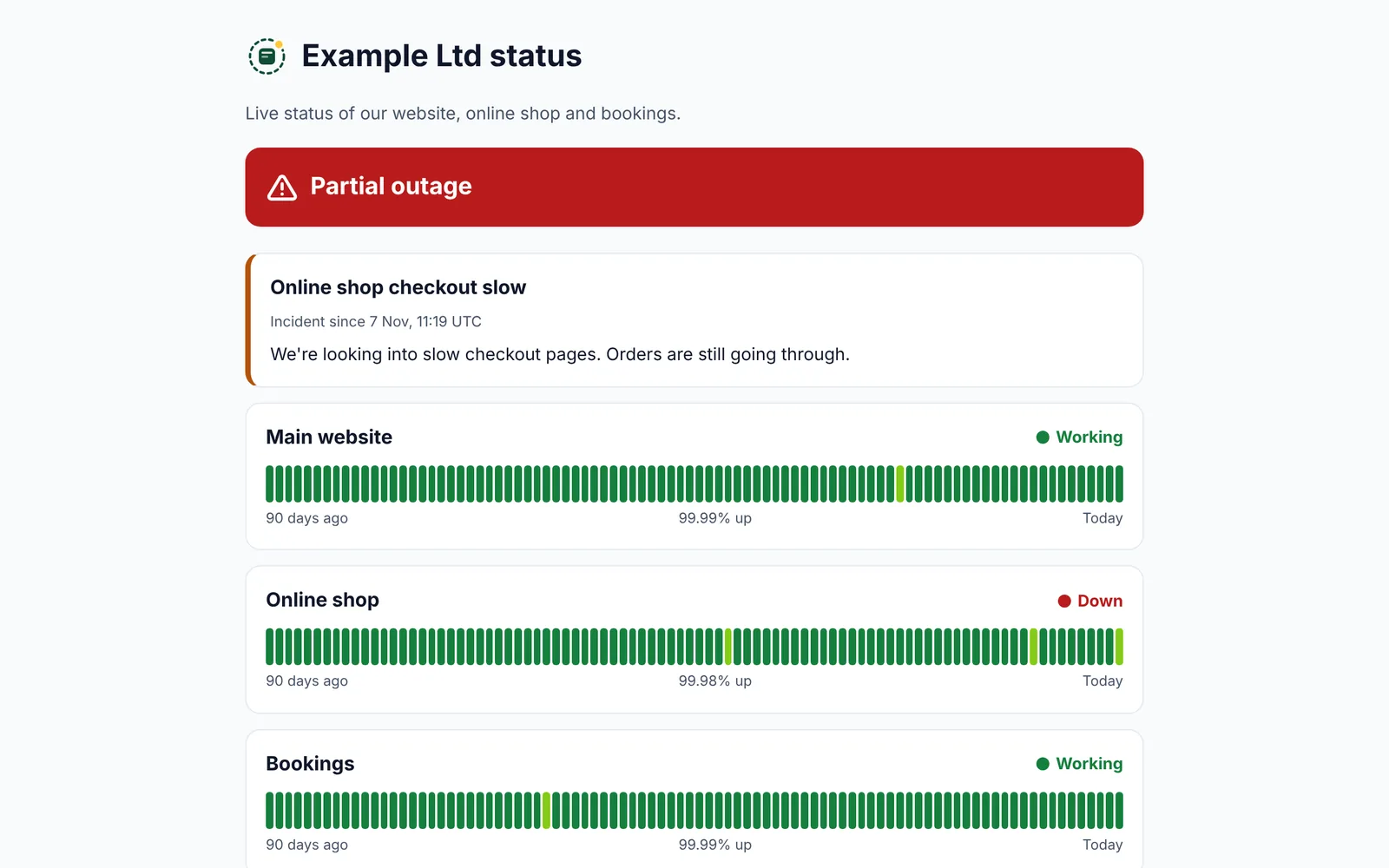
Post a notice
When something's wrong, open Post a notice, add a title and a few words and choose incident or maintenance. Tap Mark resolved when it's fixed.
The page updates by itself and keeps 90 days of history for each service.
More help